Incident sheet · /security
- System
- Security & Risk
- Filed
- Read
- 4 min · 865 words
- Severity
- Routine
Microsoft 365 outage fuels high-volume phishing campaign
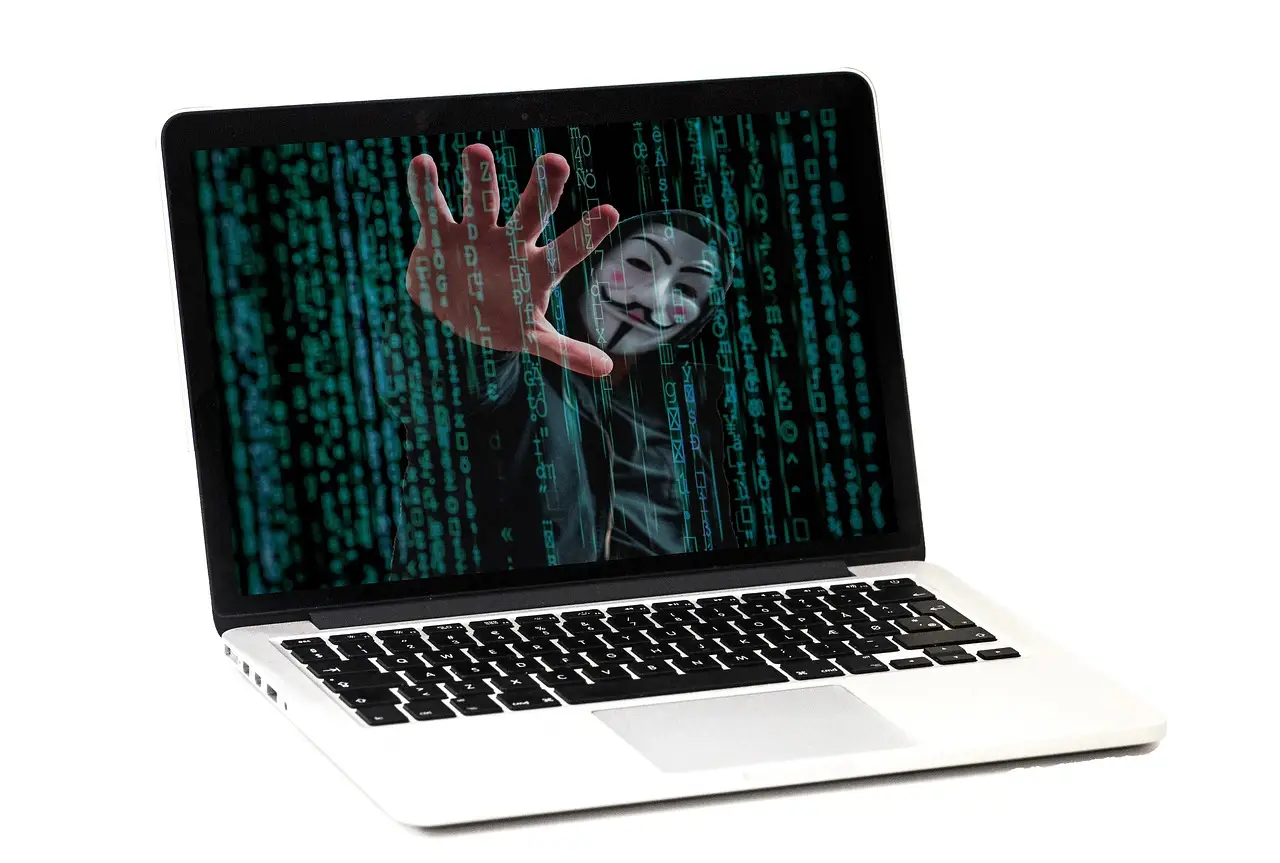
Microsoft detected a coordinated, high-volume credential-phishing campaign after the November 12 Microsoft 365 outage, using fake restore notices, tracking links and a non-Microsoft domain.
Event log
- One day after the Microsoft 365 outage, Microsoft Threat Intelligence identified a coordinated, high-volume phishing campaign across multiple sectors.
- The lure threatened permanent deletion within 24 hours unless recipients clicked “RESTORE MESSAGES”; one email claimed four messages were held.
- Three identified sender domains were moments-notice[.]com, planetmaison[.]com and newbooker[.]com.
- Click tracking redirected users to reallifeaccounting[.]com and included the /themelist0.html path.
- Microsoft observed no linked account compromise, and Defender for Office 365 blocked or quarantined detected messages.
By Rebecca Stone
One day after a prolonged Microsoft 365 outage disrupted Outlook, Exchange Online, Teams and Copilot, Microsoft Threat Intelligence identified a coordinated, high-volume phishing campaign across multiple industry sectors.
The attackers impersonated Microsoft 365 service-health notifications (status alerts reporting cloud service conditions). Their emails claimed that messages held during the outage would be permanently deleted within 24 hours unless recipients clicked a malicious link. That urgency could trick users into exposing login credentials.
How did the lures work?
Microsoft security researcher Jeremiah Jasmin said: “We assess that the activity was likely credential phishing; however, the available evidence does not confirm credential capture, malware delivery, or post-compromise activity. Multiple threat actors may continue to look for ways to exploit notable global events in any social engineering pretext.”
The assessment identified credential phishing (deception intended to steal login details) as likely, while leaving malware delivery (malicious software installation) and post-compromise activity (attacker action after initial access) unconfirmed. A social engineering pretext (plausible scenario used to manipulate users) gives attackers a credible reason to contact victims.
The attackers combined specific sender domains, randomised outage-related subject lines, recipient-specific tracking links and a common non-Microsoft destination. Microsoft said the combination made the messages harder to identify through conventional pattern matching.
Which domains and patterns carried the campaign?
Microsoft said the campaign began with messages sent from moments-notice[.]com, planetmaison[.]com and newbooker[.]com. Their subject lines began with “Outage” and ended with a randomised string of characters.
Microsoft found that attackers embedded a fake email conversation in message bodies. The company said they positioned the conversation to remain hidden from recipients, apparently to evade email filtering mechanisms.
Microsoft said the messages used recipient-specific display-name prefixes and referenced Exchange Online, Outlook, Teams, SharePoint and Copilot. The lures cited the November 12 Exchange Online disruption and threatened to delete held messages within 24 hours unless the recipient clicked a prominent “RESTORE MESSAGES” button.
In one email analysed by Microsoft, the subject used the pattern “Outage – ” followed by randomised characters. Its display name combined a three-character organisation-style prefix with “Outage Notification.” Its body cited the purported November 12 incident, claimed four messages were held and repeated the 24-hour deletion warning.
Microsoft found that recipient-specific tracking URLs recorded or routed clicks before redirecting users to reallifeaccounting[.]com. The campaign included the path /themelist0.html within that destination.
What could stolen access expose?
“Outages in cloud services bring about uncertainty and panic, an area where attackers always thrive,” said Devroop Dhar, co-founder and managing director at Primus Partners.
Dhar said employees denied access to email and other applications may fall victim to messages promising service or account recovery. Finance, health care, government and educational institutions face greater exposure because their employees handle sensitive data and rely heavily on cloud services.
Successful credential theft could expose an email account and its authorised resources. Dhar said attackers could reach sensitive emails, customer information, balance sheets, SharePoint, OneDrive storage and Microsoft Teams communications, under the user account’s permissions. They could also impersonate company representatives in plausible emails to colleagues, clients and contractors, enabling payment fraud or additional credential theft.
What did Microsoft contain, and what should security teams do?
Microsoft said it had not observed evidence of any account compromise linked to the campaign. The company said Defender for Office 365 (the cloud email and productivity security service) was blocking or quarantining messages it detected.
Microsoft advised chief information security officers (CISOs) to take six actions across detection, containment, credential recovery, account review, infrastructure blocking and staff communication across the enterprise.
- Search email telemetry (machine-recorded email activity) for sender domains, display-name and subject-line patterns, lure phrases, tracking hosts and destination domains. Quarantine matching messages. Remove delivered copies from inboxes under incident-response procedures.
- Identify users who clicked campaign links. Review click telemetry, proxy logs (traffic records from web inspection systems) and browser or endpoint (corporate device) evidence. Determine whether users reached the malicious destination or entered credentials.
- Reset affected passwords immediately if exposure occurred. Revoke active sessions and refresh tokens (credentials that renew access). Verify multifactor authentication (MFA; more than one login-verification factor) registrations.
- Check accounts for suspicious sign-ins and unauthorised OAuth consent (cloud application permission grants). Look for new inbox or forwarding rules, delegate permissions (access granted to another account) and unusual access to Exchange Online, SharePoint, OneDrive or Teams.
- Block or closely monitor reallifeaccounting[.]com and the observed /themelist0.html path. Continue close monitoring while investigators track the activity.
- Remind employees that legitimate Microsoft 365 service-health communications do not direct users to non-Microsoft domains to recover held emails.
How should outages reshape preparedness?
Dhar said organisations should embed cybersecurity in business continuity planning (BCP; maintaining critical operations during disruption). Dhar said every technology disruption should trigger heightened security monitoring and clear internal communication across the organisation so employees know how to verify service-related updates.
He also recommended phishing simulations (controlled tests of employee responses) during disruptions. Chief information officers (CIOs) and CISOs should conduct regular tabletop exercises (discussion-based readiness simulations) to assess preparedness for attacks that exploit technology outages.
via microsoft.com (Original)
More from Rebecca Stone
Show full bio
Senior reporter covering money, funding and market shifts around enterprise information technology and the leaders who run at CIO Monitor.
199 articles
The newsroom digest
One email a day with the stories that matter. No noise.
Cross-references
- Phishers exploit Microsoft 365 outage with tailored links
- Phishing Kits Now Steal Microsoft 365 Session Tokens, Huntress Warns
- Microsoft Teams Gets AI Phishing Detection in November
- Microsoft 365 outage reportedly affects 100,000 users worldwide
- Microsoft 365 outage passes five hours after first fix fails